Pinterest on autopilot
Schedule pins to any board, find winning keywords and track impressions, clicks and saves per pin.
Early access · Windows desktop app
Viralux is one workspace for the whole content loop. It spots winning posts on Pinterest and Facebook, rewrites and redesigns them with AI, and posts the results to your pins, groups and blogs on a schedule.
No spam. One email when your invite is ready.
Connects to the tools you already use
How it works
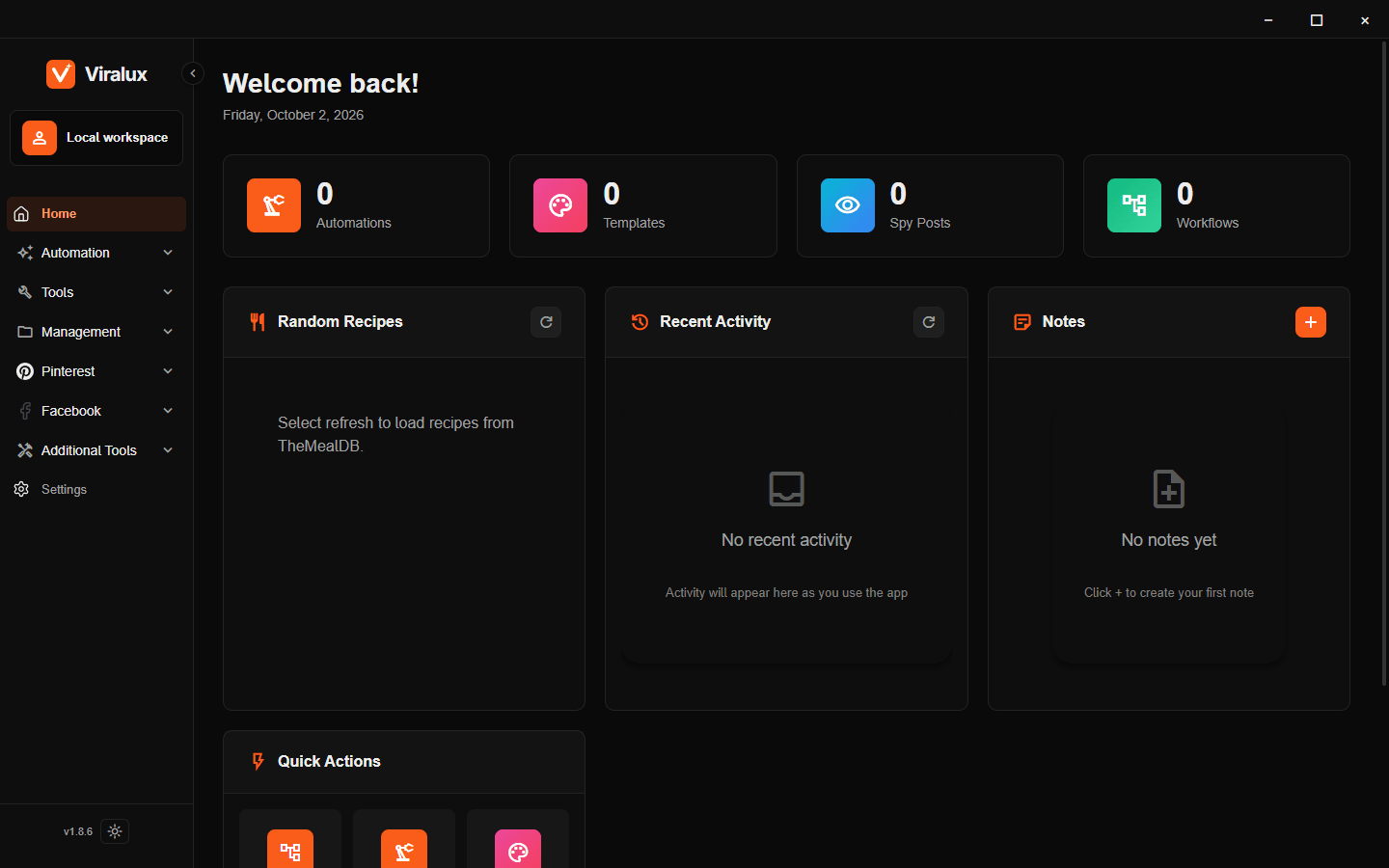
Most creators use five tools and a spreadsheet to do this. Viralux keeps every step in one place, so a run that starts with a trending pin can end with a scheduled post.
Find what is already working.
Spy saves trending Pinterest and Facebook posts while you browse. Pinterest Scanner and Keyword Research surface winning pins and search terms, and Google Trends adds the timing.
Turn it into something new.
Drag-and-drop automations take a title, an image or a saved post and produce finished copy, images and short videos with the AI models you already use.
Ship it everywhere, on schedule.
Workflows run an automation over hundreds of inputs and post the results as scheduled pins, Facebook Group posts or WordPress articles, with media on R2 or ImageKit.
See what to do more of.
Track impressions, clicks and saves per pin, success rates per workflow and per-post results in your groups. Telegram tells you when runs finish.
Automations
Each automation is a visual graph. An input such as a title, an image or a scraped post flows through AI text, AI images, video and layout blocks and comes out as a finished post. Build it once, then run it on a hundred inputs with Workflows.
Schedule pins to any board, find winning keywords and track impressions, clicks and saves per pin.
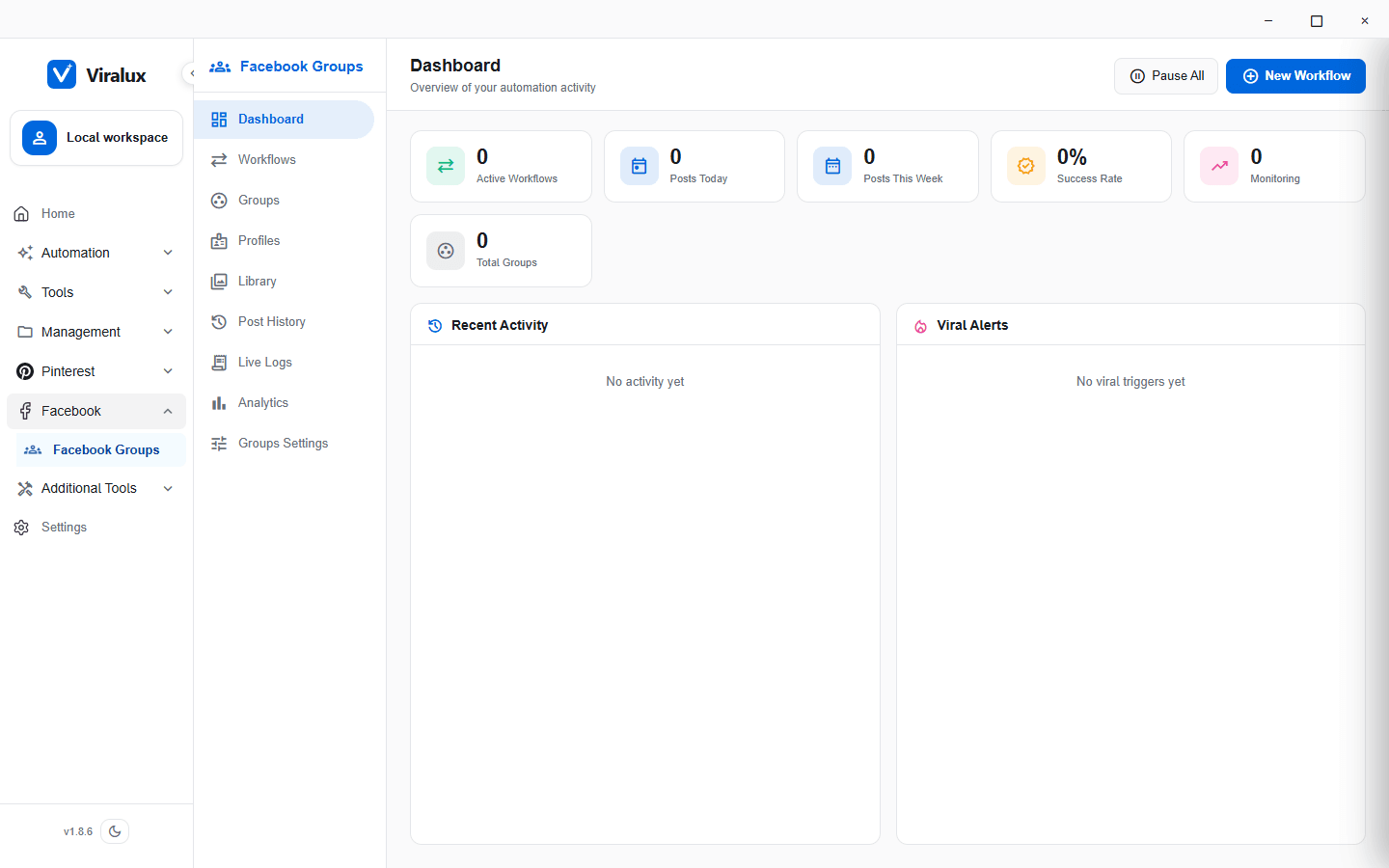
Scheduled group posting with daily caps per profile, comment delays and alerts when a post starts to take off.
Publish posts and WP Recipe Maker recipes with AI categories, uploaded media and optional Amazon affiliate links.
Each account runs in its own profile with its own proxy and fingerprint, so sessions never mix.
Data lives in SQLite on your PC. Back up everything, including profiles and settings, to a single file.
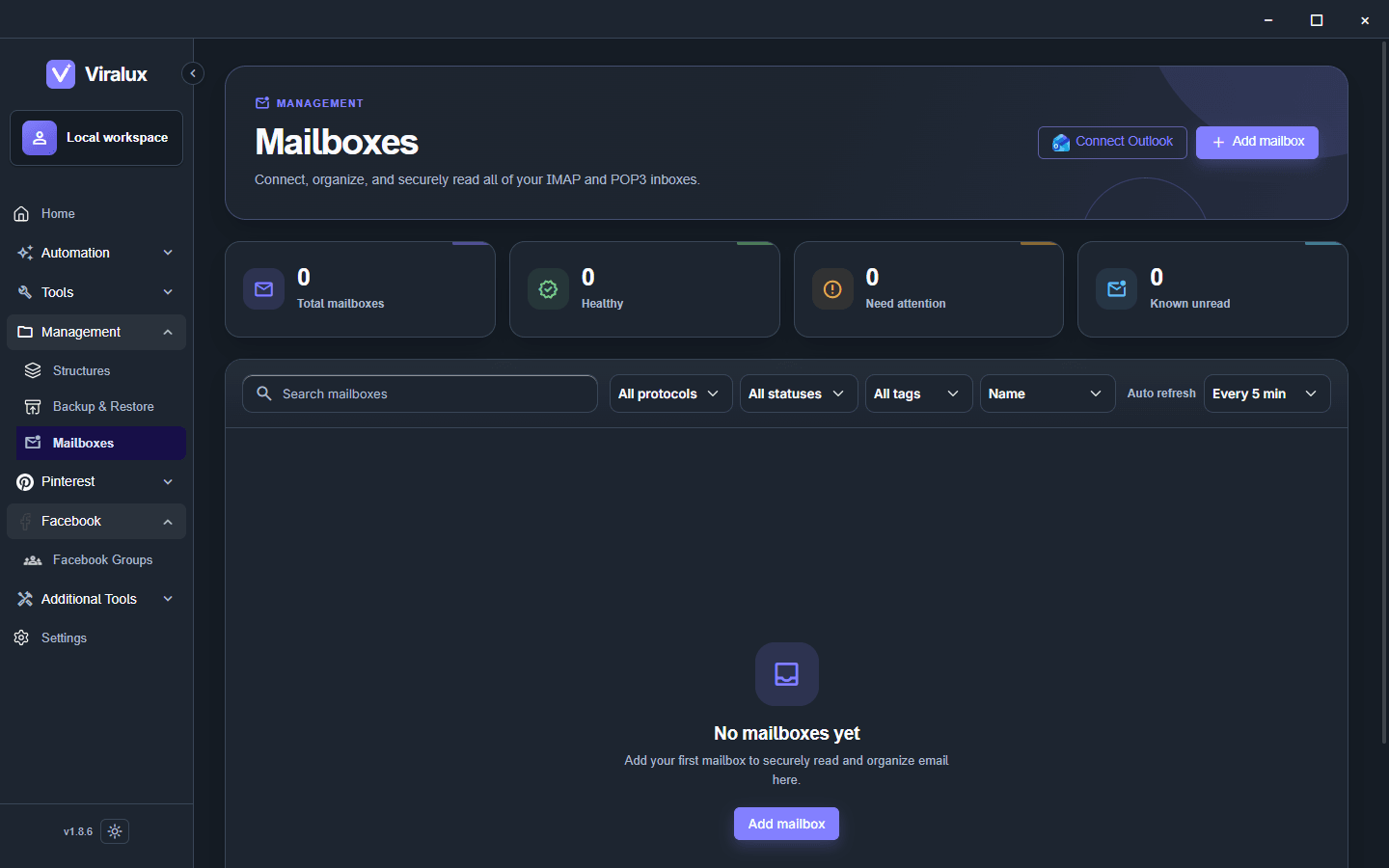
Connect IMAP or POP3 mailboxes and read verification emails without leaving the app.
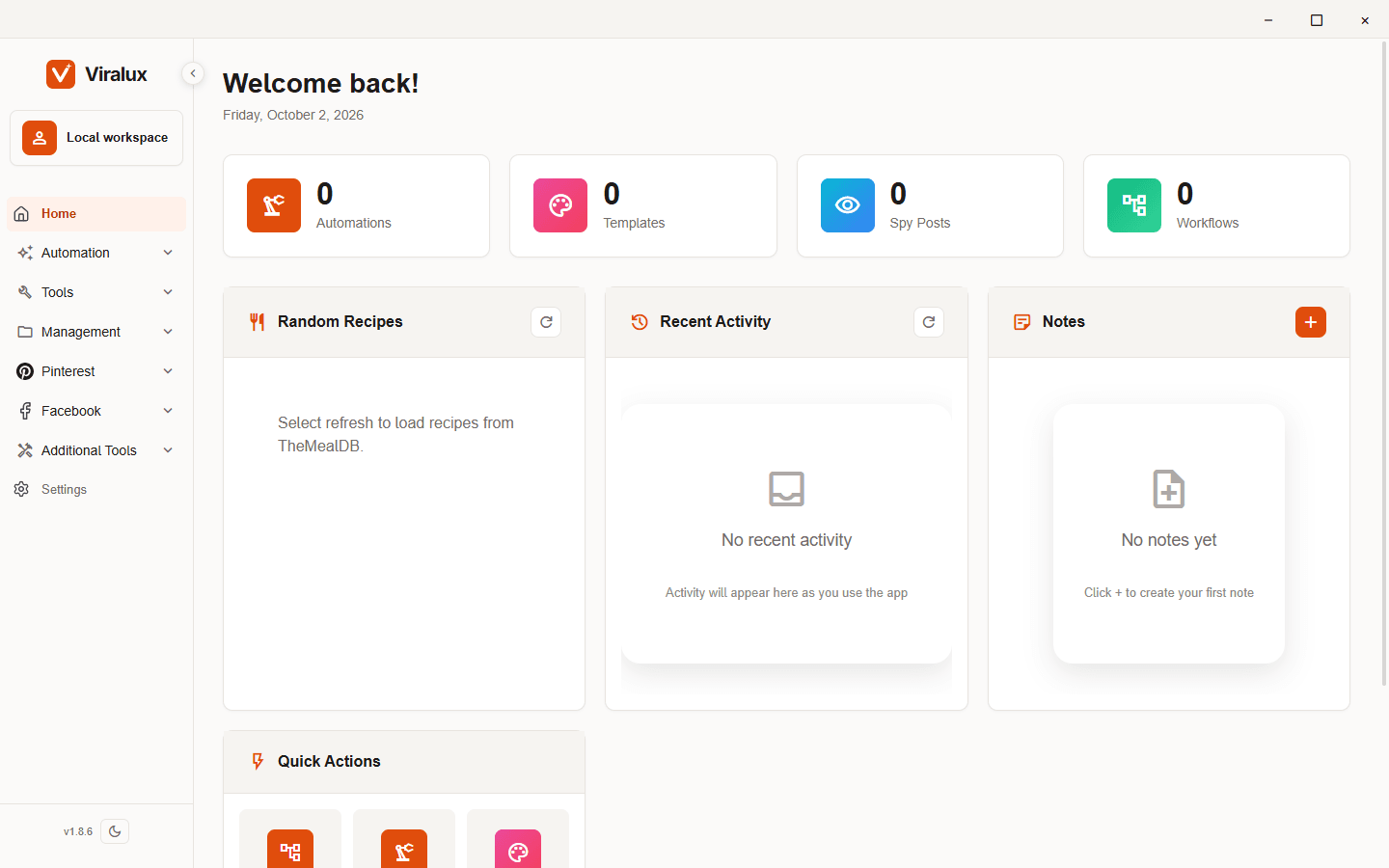
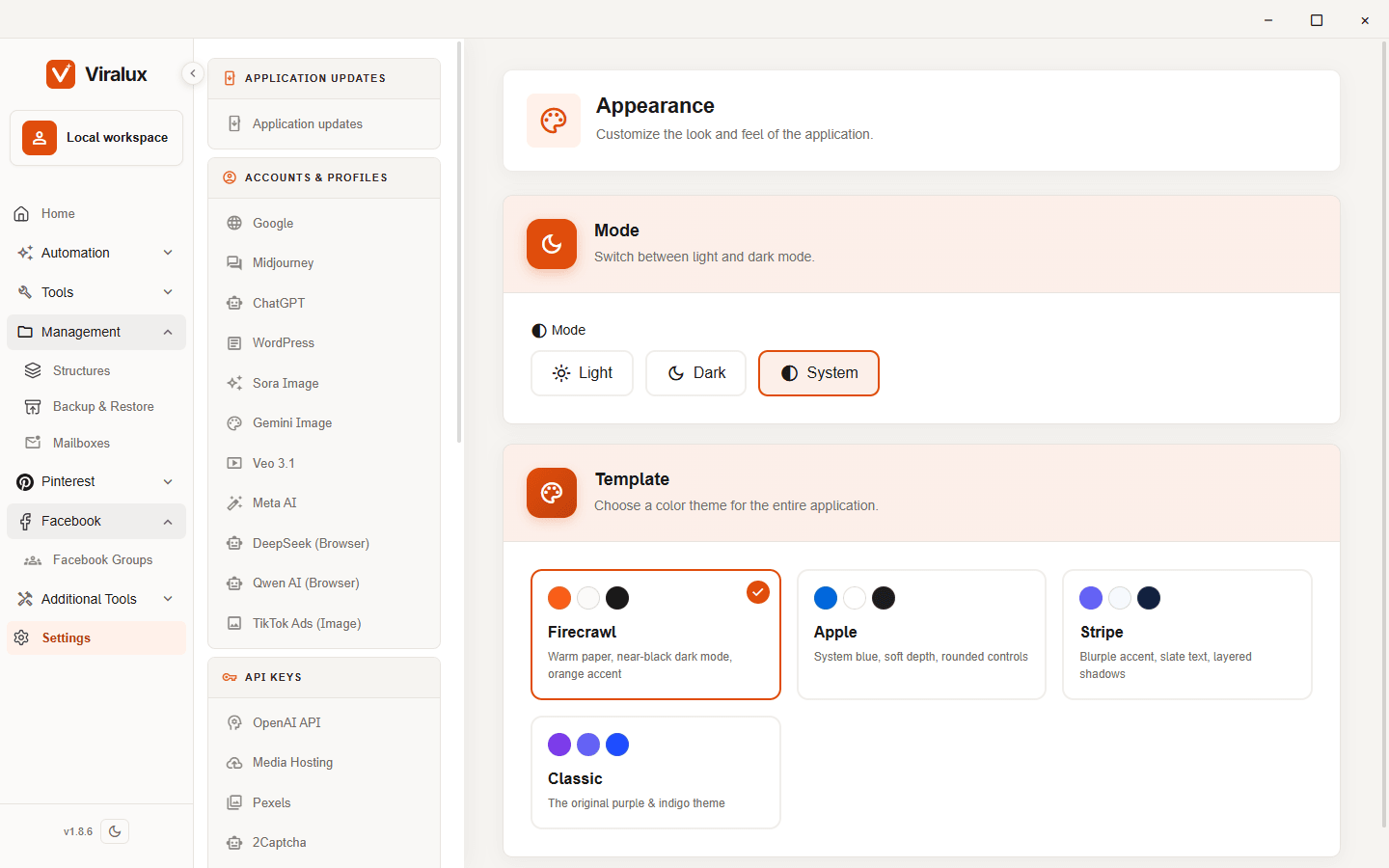
Make it look like yours
Built for
FAQ
It is a Windows desktop app. Your automations, accounts and content are stored in local databases on your PC, not on our servers.
Not yet. The first release is Windows 10 and 11 only. Tell us on the waitlist if you need macOS.
For API models, yes. You connect your own OpenAI, Anthropic, Google AI or OpenRouter keys and pay those providers directly. Browser-based models like ChatGPT can run through your own logged-in sessions.
Pinterest (pins and boards), Facebook Groups, WordPress (including WP Recipe Maker) and Google Sites. Images and videos can be uploaded to Cloudflare R2 or ImageKit.
Pricing is not final. Everyone on the waitlist gets early-access pricing before the public launch.
We are sending invites in small batches so we can help every new user set up. Join the waitlist and you will get an email when your spot opens.
Invites go out in small batches. Waitlist members get early-access pricing and a direct line to the team.